
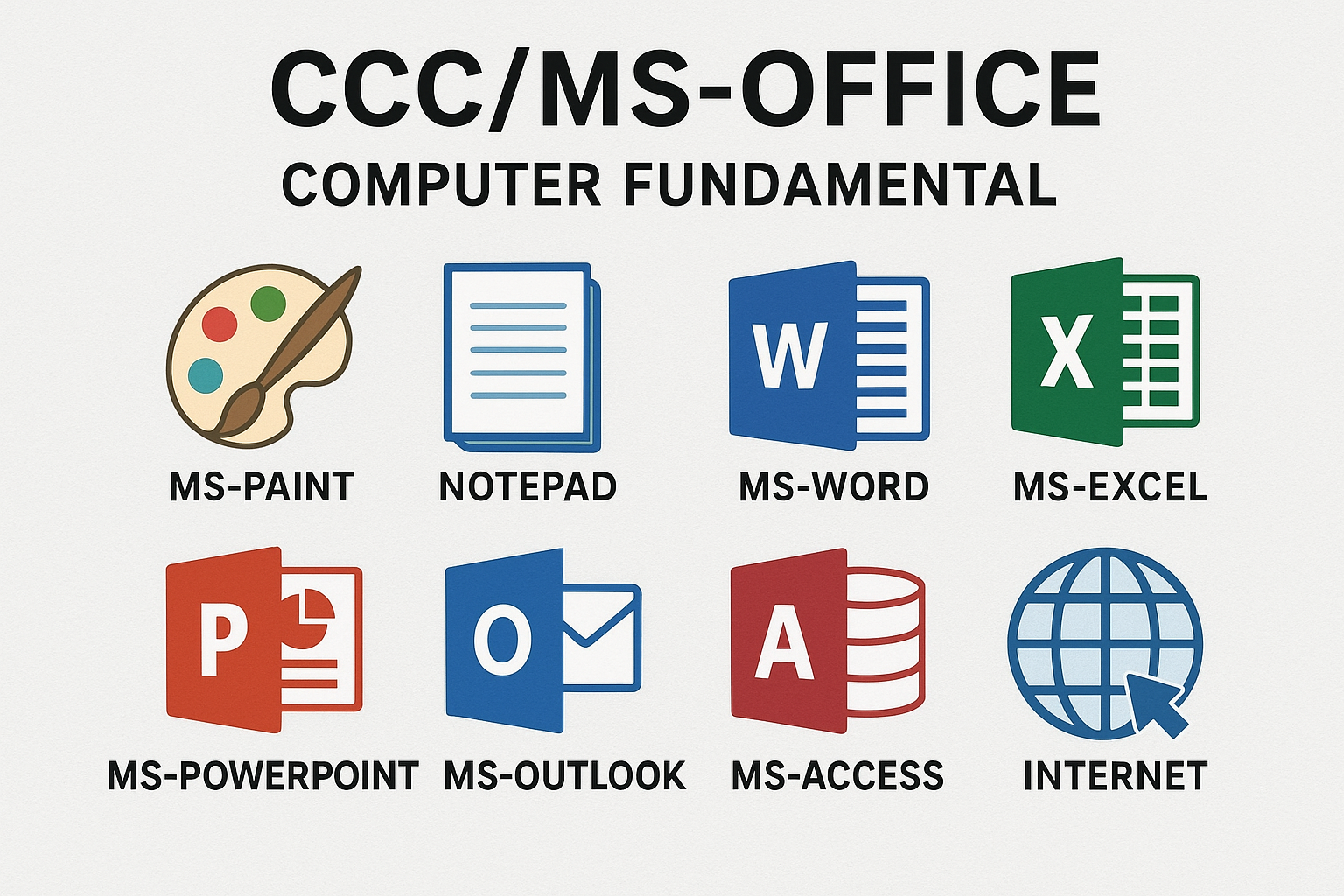
Description
Computer Fundamentals
Computer Fundamentals refers to the basic, essential knowledge about how a computer works. It is the foundation for understanding all other computer-related topics.
- Definition: The study of the basic concepts and principles that govern the operation of computer hardware and software. It provides an understanding of the components, functions, and working mechanisms of a computer system.
- Key Topics Covered:
- What is a Computer? (Definition, characteristics like speed, accuracy, diligence).
- Generations of Computers.
- Basic Architecture: Input Unit, CPU (ALU, Control Unit, Memory Unit), and Output Unit.
- Hardware vs. Software: Differentiating between physical components and instructional programs.
- Types of Software: System Software (Operating System) and Application Software.
- Data Representation: How computers use binary code (0s and 1s) to store information.
- Memory: Primary (RAM, ROM) and Secondary (Hard Drives, SSDs, USBs) storage.
- Operating System (OS) Basics: What an OS does (manages resources, provides user interface).
🎨 MS-Paint
MS-Paint (Microsoft Paint) is a simple graphics program that allows users to create, edit, and print simple drawings and graphics.
- Definition: A basic raster graphics editor program that is included with all versions of Microsoft Windows. It’s often used as an introduction to basic graphics editing.
- Primary Functions:
- Drawing simple shapes (lines, circles, rectangles).
- Filling areas with color.
- Adding text.
- Editing images (cropping, resizing, rotating).
- Saving images in common formats (like JPEG, PNG, BMP).
📝 Notepad
Notepad is a basic text editor used for creating and viewing plain text files.
- Definition: A simple text-editing program for Microsoft Windows that allows users to create documents without any special formatting (like bolding, italics, different fonts, or images).
- Key Characteristics:
- Saves files in the .txt format.
- Plain Text Only: It strips away all formatting, making it ideal for writing code snippets, quick notes, or editing configuration files.
- Lightweight: It uses minimal system resources, making it very fast to open and use.
✍️ MS-Word
MS-Word (Microsoft Word) is the industry-standard word processing software used to create, edit, view, and print documents.
- Definition: A powerful word processor developed by Microsoft, part of the Microsoft Office Suite. It is designed to produce professional-quality documents efficiently.
- Key Features & Uses:
- Document Creation: Letters, reports, resumes, articles, books.
- Formatting: Text styling (font, size, color, bold/italic/underline), paragraphs (alignment, indentation), headers, footers, page numbering.
- Advanced Tools: Spell check, grammar check, thesaurus, track changes, mail merge, tables, and integration of images/charts.
- Saves files primarily as .docx.
🧮 MS-Excel
MS-Excel (Microsoft Excel) is a powerful spreadsheet application used for data organization, analysis, and calculation.
- Definition: A spreadsheet program that uses a grid of rows and columns to organize, calculate, and analyze numerical data. It is highly versatile for business and personal use.
- Key Features & Uses:
- Worksheets/Workbooks: Data is organized into cells within sheets.
- Formulas and Functions: Performing mathematical, statistical, logical, and financial calculations (e.g., SUM, AVERAGE, IF).
- Data Analysis: Sorting, filtering, conditional formatting, pivot tables.
- Data Visualization: Creating charts and graphs (bar, line, pie) from numerical data.
- Saves files primarily as .xlsx.
📊 MS-PowerPoint
MS-PowerPoint (Microsoft PowerPoint) is a presentation software used to create slide shows for demonstrations, lectures, and reports.
- Definition: A robust program designed to create dynamic and visual presentations using a series of slides to convey information effectively to an audience.
- Key Features & Uses:
- Slide Creation: Designing individual slides with text, images, charts, and multimedia.
- Visual Elements: Applying themes, templates, backgrounds, and design elements.
- Animations and Transitions: Adding movement to objects on a slide (animation) and between slides (transition) to engage the audience.
- Presentation Mode: Viewing the presentation full-screen for delivery.
- Saves files primarily as .pptx.
📧 MS-Outlook
MS-Outlook (Microsoft Outlook) is a personal information manager and email client, often used for professional communication and scheduling.
- Definition: A powerful application that functions primarily as an email client, but also includes features for managing calendars, contacts, tasks, and notes.
- Key Functions:
- Email Management: Sending, receiving, organizing, and archiving emails.
- Calendar: Scheduling appointments, meetings, and setting reminders.
- Contact Management: Storing and organizing contact information.
- Task List: Creating and tracking to-do lists and project tasks.
🗄️ MS-Access
MS-Access (Microsoft Access) is a relational database management system (RDBMS) used for managing large amounts of data.
- Definition: A desktop database program that allows users to create and manage databases (collections of organized information) without extensive programming knowledge. It is ideal for small to medium-sized businesses and personal applications.
- Key Components:
- Tables: Where the data is stored in rows and columns.
- Queries: Used to retrieve, filter, and analyze data from tables.
- Forms: User-friendly interfaces for entering and viewing data.
- Reports: For summarizing and printing data from the database.
🌐 Internet
Internet is a global system of interconnected computer networks that links billions of devices worldwide.
- Definition: A massive, decentralized global network that uses the standard Internet Protocol Suite (TCP/IP) to communicate between devices and networks globally.
- Key Concepts:
- World Wide Web (WWW): The system of interlinked hypertext documents accessed via the Internet; often confused with the Internet itself, but it’s just one application that runs on the Internet.
- Web Browser: Software used to access the WWW (e.g., Chrome, Firefox).
- Email: One of the earliest and most common uses of the Internet for communication.
- Protocols: Rules governing how data is sent (e.g., HTTP, FTP, TCP/IP).
- IP Address: A unique numerical label assigned to every device connected to a computer network.
- Cloud Computing: Storing and accessing data and programs over the Internet instead of your computer’s hard drive.
Reviews
There are no reviews yet.